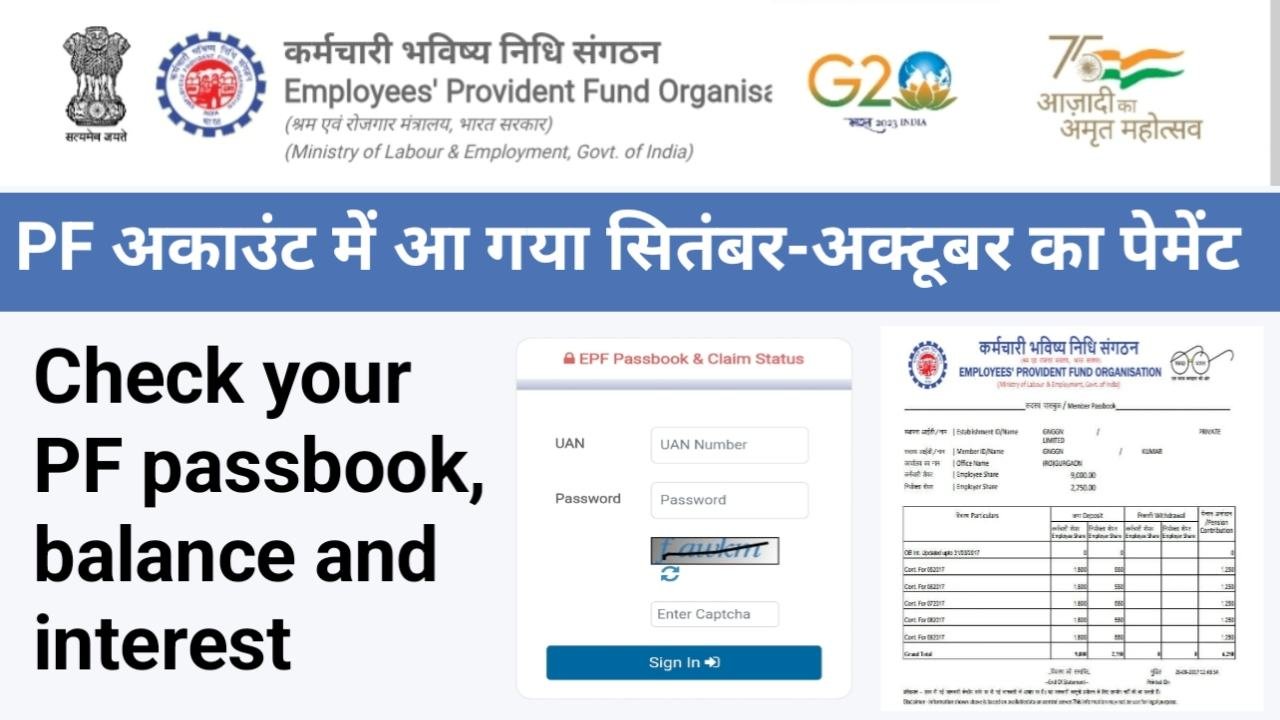
EPFO Passbook Check Online: Good news for EPFO members across India. Employees who were worried because their September and October PF contribution was not showing in their EPF passbook can now breathe a sigh of relief. After a recent system update by EPFO, the pending entries are gradually becoming visible in most accounts. Earlier, due to technical issues, lakhs of employees were unable to see their updated PF passbook, which created confusion and concern about their hard-earned money. EPFO has once again clarified that the money was always safe.
September–October PF Amount Now Visible in EPFO Passbook
For the last few weeks, many EPF account holders noticed that their PF contribution for September and October was missing from the passbook. This delay happened because EPFO was upgrading its internal systems. Now, after the update, entries for these months are slowly reflecting in members’ passbooks. If you had checked earlier and didn’t see the amount, it is advised to check again.
Why Was PF Passbook Not Updated Earlier?
EPFO was working on upgrading its ECR (Electronic Challan-cum-Return) and ledger systems to improve accuracy and speed. During this upgrade process, some monthly PF entries could not be reflected on time. This was purely a technical issue, not a case of money deduction or loss. EPFO had already informed that once the update is completed, all pending entries would appear automatically.
Was Employees’ PF Money Safe?
Yes, absolutely. EPFO made it clear that all PF contributions deposited by employers and employees were fully secure. If PF was deducted from your salary, it was credited to your EPF account, even if it was not immediately visible in the passbook. Only the display of entries was delayed. Now that the system update is almost complete, members can see the correct balance and month-wise contribution.
How to Check EPFO Passbook Online (Step-by-Step)
If you want to check whether your September–October PF amount has been updated, follow these simple steps –
Step by Step Process
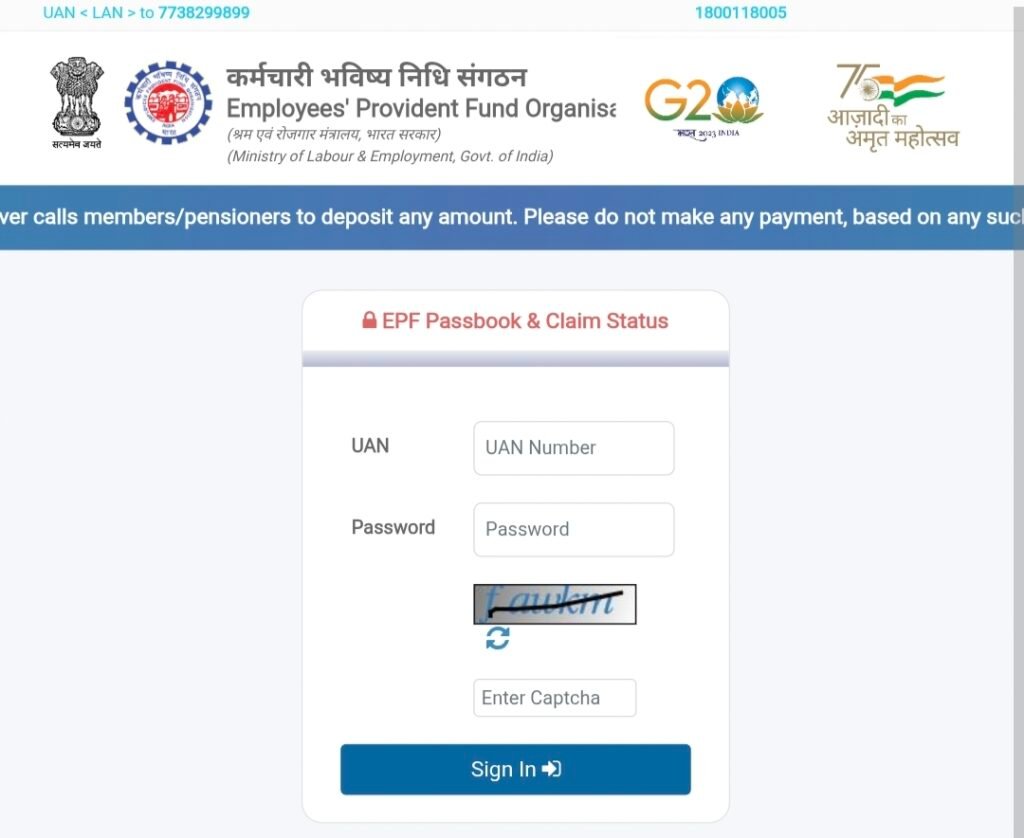
- Visit the EPFO passbook website https://passbook.epfindia.gov.in/MemberPassBook/login .
- Enter your UAN number.
- Login using the same password linked with your EPFO account.
- Fill in the captcha code shown on the screen.
- Click on Sign In.
- After login, select the Passbook option.
- Your PF account details will open on the screen.
- Here you can check total balance, monthly contributions, and interest details.
You can also verify whether your employer is depositing PF regularly or not.
Check PF Balance via Missed Call
If you don’t have internet access or want quick information, EPFO also provides a missed call facility.
- Give a missed call from your UAN-registered mobile number to 011-22901406.
- The call will disconnect automatically after two rings.
- Shortly, you will receive an SMS with your PF balance details.
This service is simple, fast, and works even on basic mobile phones.
What If Passbook Is Still Not Updated?
If your passbook still doesn’t show the September–October entries, don’t panic. First, contact your employer or HR department and confirm whether they have filed the ECR for the concerned months. In most cases, once the employer files ECR, the passbook gets updated within a few days.
When and How to File a Complaint?
If a long time has passed and the passbook is still not updated, you can raise a complaint on the EPFO grievance portal. While submitting the grievance, keep your UAN number, PF account number, and month details ready. However, EPFO advises members to remain patient during system updates, as most issues get resolved automatically.